The SlotEssentials Session Tracking Tool is built to help you track your slot play accurately across casinos, currencies, and sessions — all in one place. This quick guide walks you through exactly how to use it step by step. If you’re looking to understand what session tracking is or why it matters, you can reference our full guide.
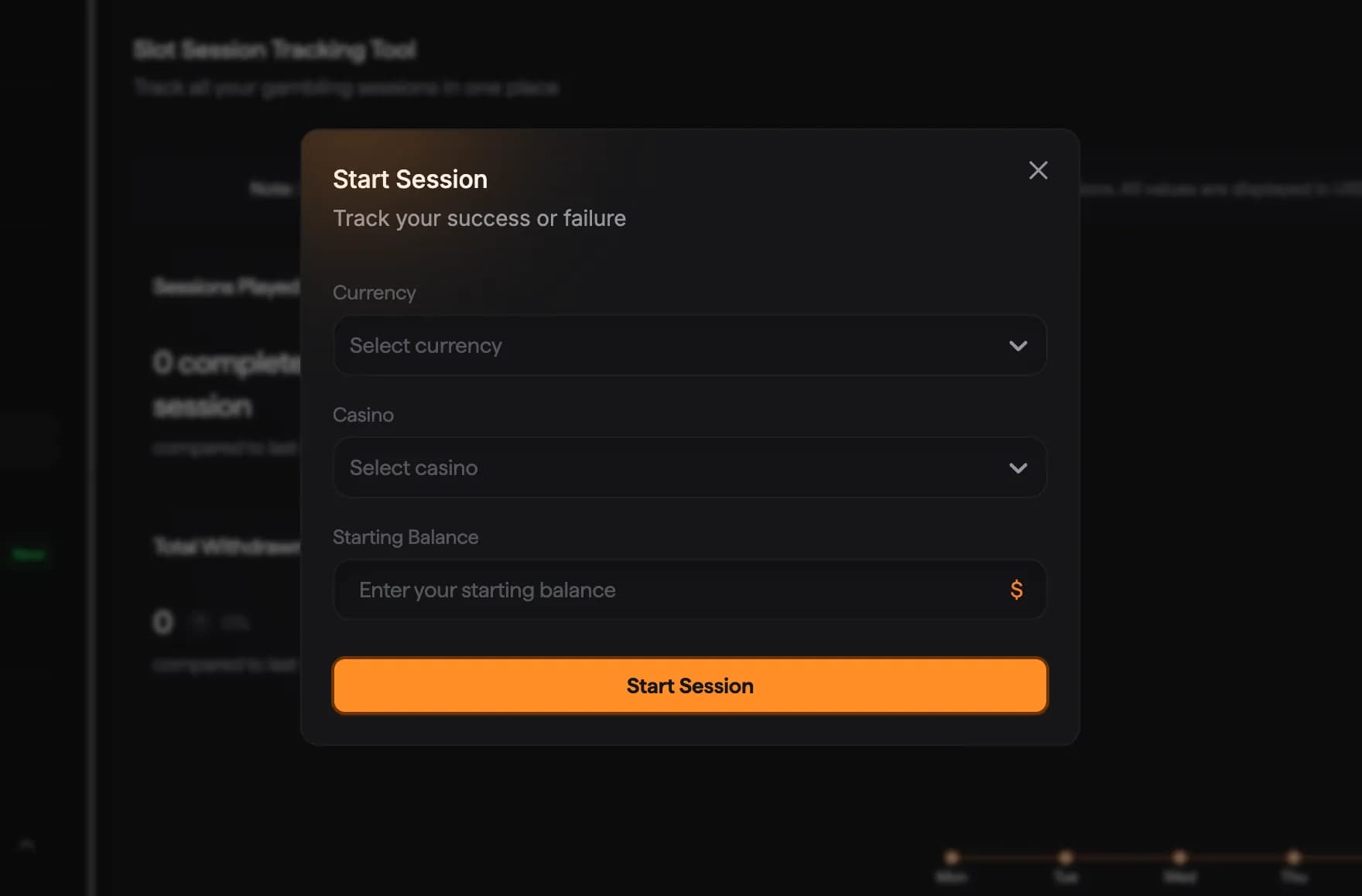
From the Session Tracking dashboard, click Start Session in the top-right corner. This opens the session setup modal where you’ll enter the details of your play.
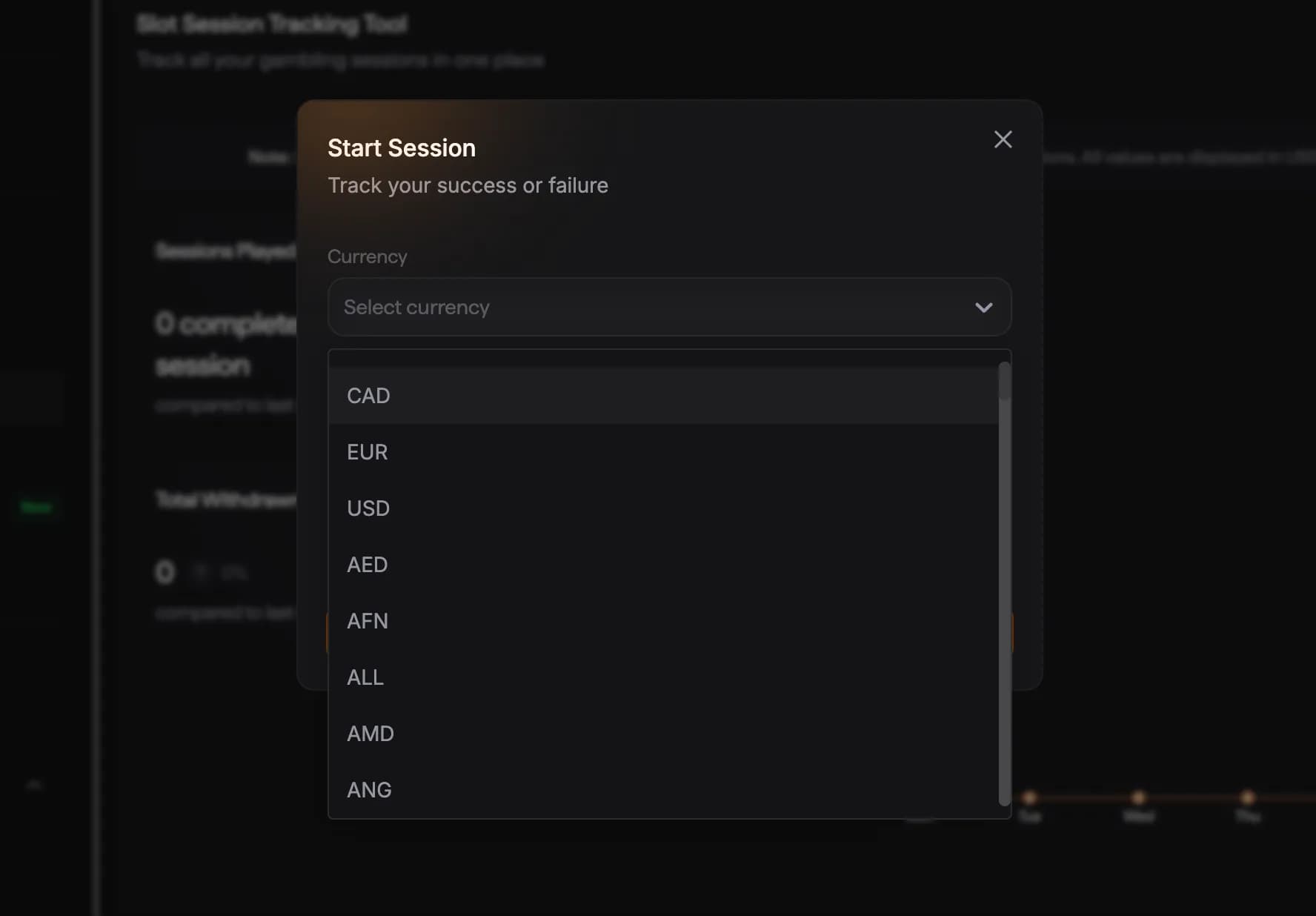
Choose the currency you’re playing in (USD, EUR, CAD, and more). Even if you play in different currencies across casinos, SlotEssentials standardizes all tracking into USD behind the scenes so your stats stay consistent.
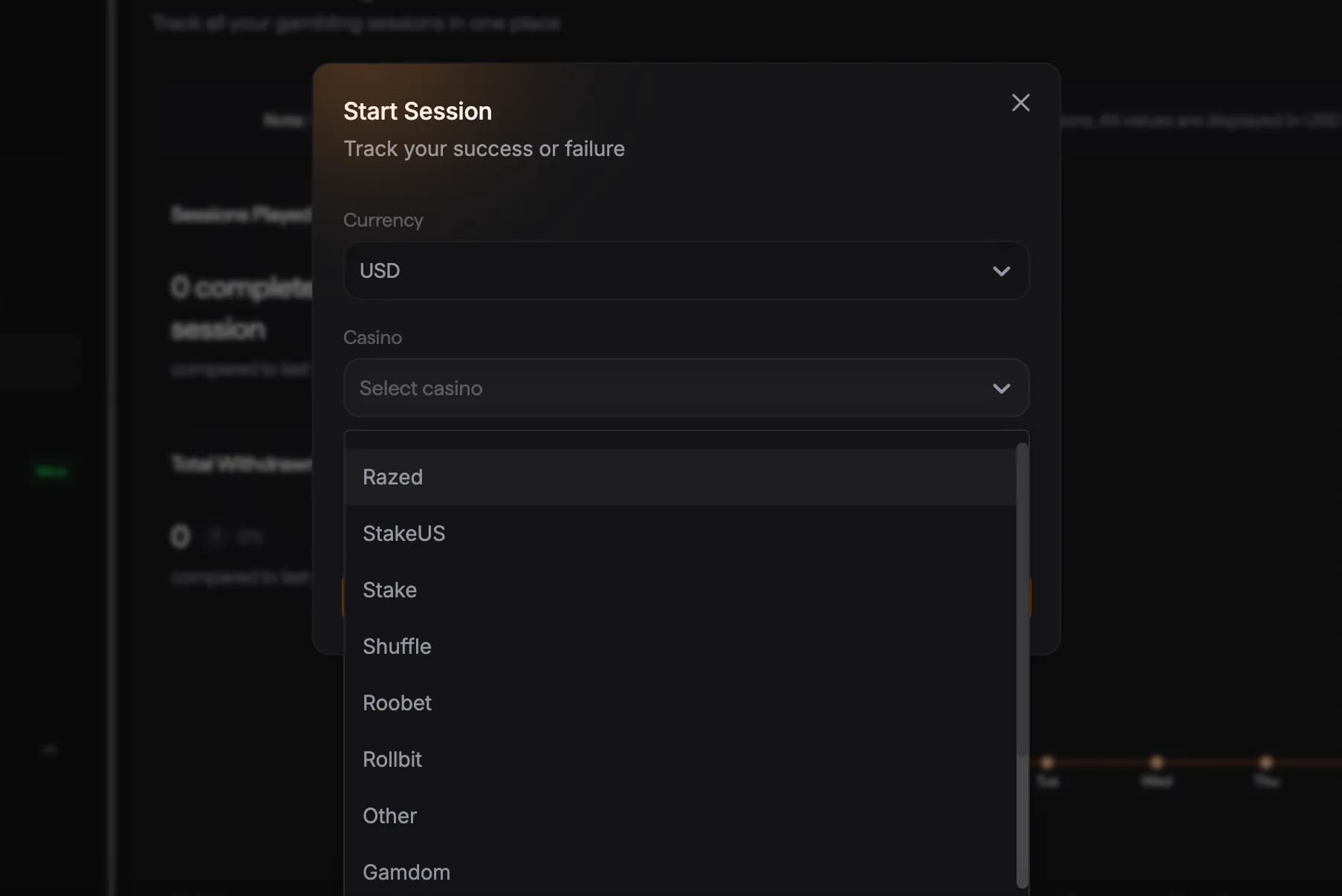
Pick the casino you’re playing on from the dropdown list (Razed, Stake, StakeUS, Roobet, Rollbit, Shuffle, Gamdom, or Other). This allows you to track performance across platforms instead of guessing where wins or losses came from.
Input your starting balance before you begin spinning. This is the baseline SlotEssentials uses to calculate profit, loss, and performance metrics for the session. Once everything looks correct, click Start Session.
While your session is active, you simply play as usual. When you’re finished, end the session and SlotEssentials will calculate:
All sessions appear in your dashboard so you can review them anytime.
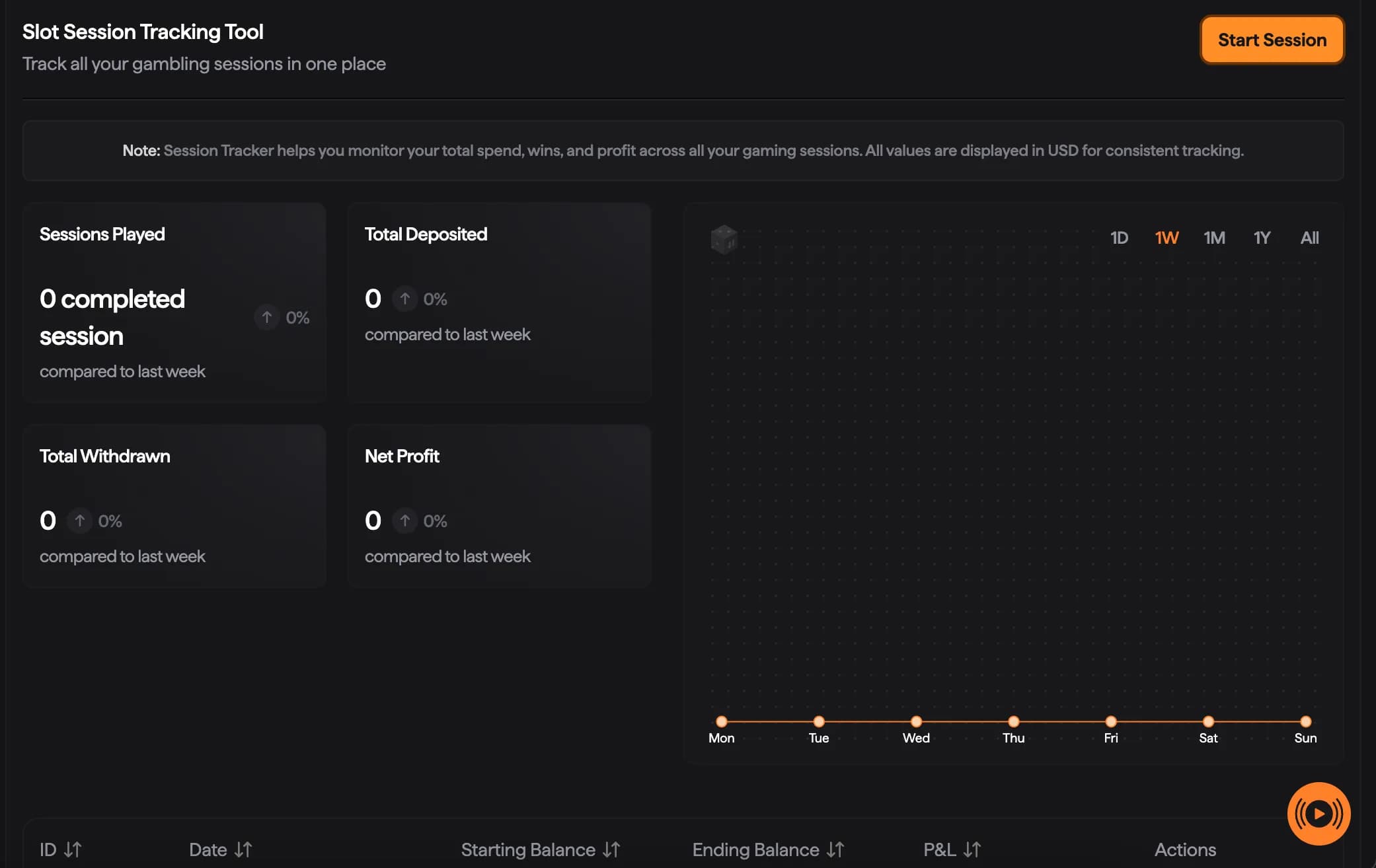
Your Session Tracking dashboard gives you a clear snapshot of your play, including:
This makes it easy to spot patterns, manage your bankroll, and stay in control.
The Session Tracking Tool is designed to be simple, flexible, and honest. Whether you’re tracking a casual session or a long grind, it gives you the data you need without overcomplicating the process.
For a deeper breakdown of why session tracking matters — including bankroll management, RTP awareness, and long-term performance — be sure to read our full guide.
